Email DrRabnerOffice@gmail.com to request a tele-health appointment and let the office know how you will be connecting. You can connect via smartphone or computer.
Here's how to determine how you will connect:
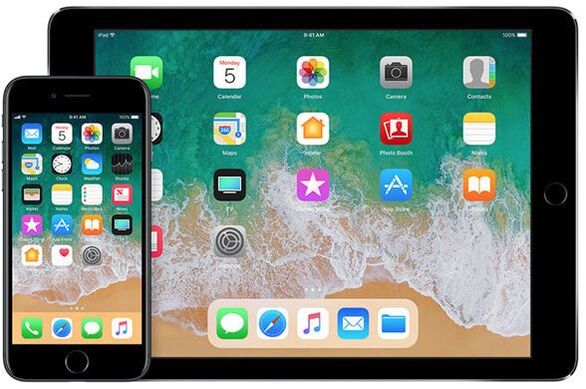
IPHONEIf you have an iPhone or iPad, you can connect on FaceTime.
There is no download required, simply email your phone number to DrRabnerOffice@gmail.com |
ANDROIDIf you have an Android, download WhatsApp from the app store for free.
You'll need to register it with your cell phone and email your number to DrRabnerOffice@gmail.com. |
COMPUTERIf you have a computer, download Skype and add
DrRabnerOffice@gmail.com as a contact. |